Get paid in USD or EUR
Use personal USD or EUR payment details, subject to eligibility and verification.
Philippines · PHP
Receive eligible payments in USD or EUR, convert to PHP, and send funds to a supported GCash wallet or local bank account in the Philippines.
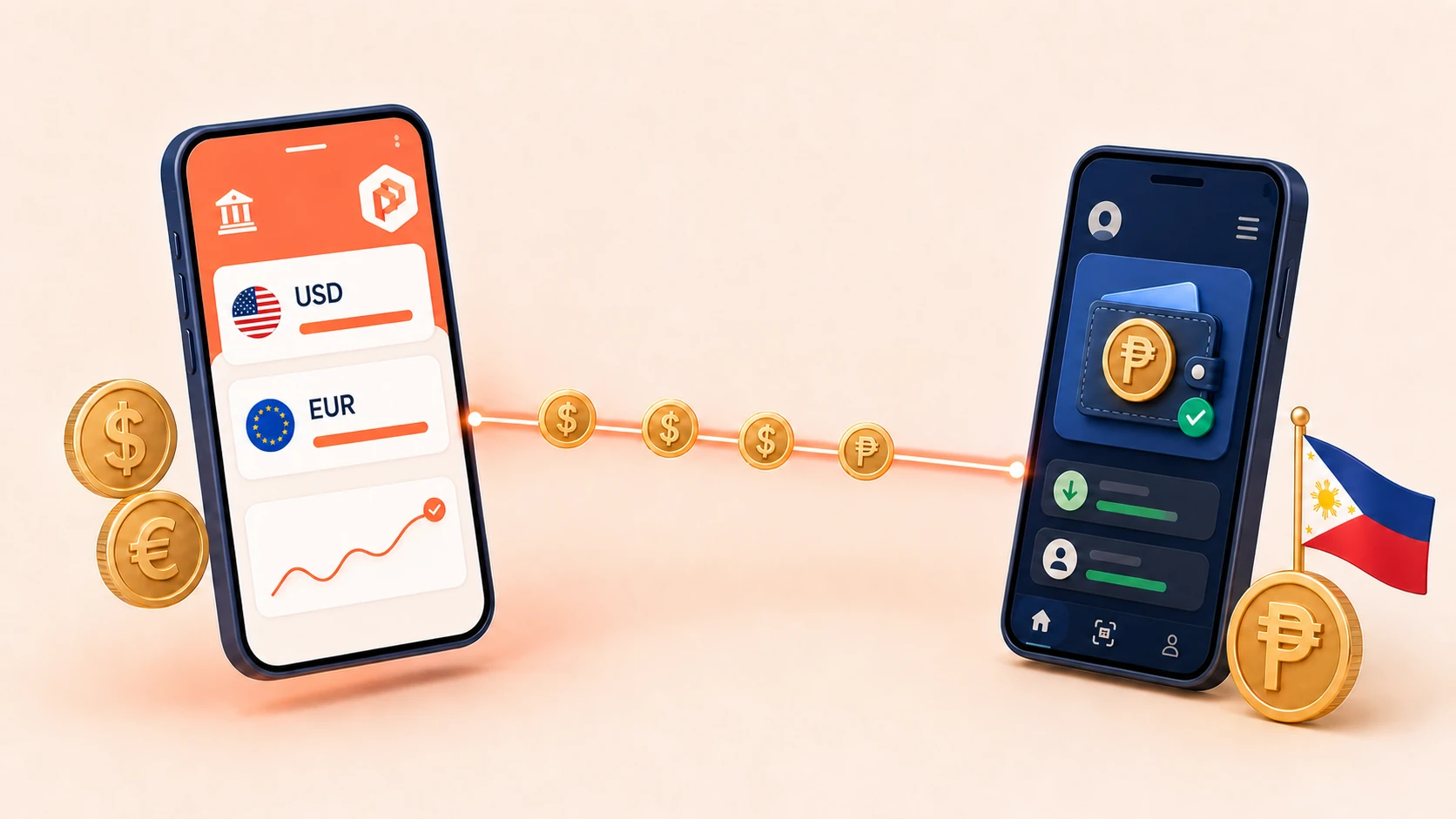
How it flows
Use personal USD or EUR payment details, subject to eligibility and verification.
Choose the amount and review the exchange rate and applicable fee before confirmation.
Send PHP to a supported GCash wallet or local bank account.
The recipient can receive a supported local payout without registering for a PayerPay account.
How it works
Get paid into your personal USD or EUR payment details.
Select the destination and enter the amount you want to send.
Select an available payout method and enter the recipient details requested in the transfer form.
Check the exchange rate, fee, debit amount, recipient amount and expected processing time before confirming.
Recipient
Send to a supported GCash wallet or local bank account. Your recipient does not need a PayerPay account for a supported local payout.
Transparency
PayerPay displays the applicable fee, exchange rate, amount debited and amount the recipient is expected to receive before you confirm the transfer.
Supported local payouts can take up to one business day. The expected time for the selected route is shown before confirmation.
Trust and compliance
Identity verification is required before using supported payment services.
Recipients and payout details are subject to sanctions and compliance checks.
Track transfer status and review transaction details in your PayerPay account.
Support
Receive funds in your PayerPay USD or EUR balance, choose the Philippines, select an available payout method, enter the recipient details, review the rate and fee, and confirm.
Yes, where the GCash payout route is available for the recipient and transaction. Availability is shown when you create the transfer.
Yes, supported local bank transfers are available subject to route availability and compliance checks.
No. The recipient does not need to register with PayerPay for a supported local payout.
The recipient receives PHP through the selected supported local payout method.
Yes. The applicable fee, exchange rate, debit amount and recipient amount are shown before confirmation.
Supported local payouts can take up to one business day. The expected time for the specific transaction is displayed before confirmation.
Ready to start?
Open PayerPay, receive eligible USD or EUR payments, and send PHP through a supported GCash or local bank payout.
Availability is subject to eligibility, verification, banking-partner coverage and compliance review.